
To store important documents safely, keep digital backups on encrypted external drives or secure cloud services, and update them regularly. Store physical copies in a safe deposit box at a bank to protect against theft, fire, or natural disasters. Maintain an inventory of your records and limit access to trusted individuals. Combining digital and physical storage methods offers layered protection. Continue exploring best practices to guarantee your essential records stay secure and accessible when you need them most.

Get emergency and outdoor gear delivered free with Prime
- Fast, free delivery on millions of items
- Prime Video, Amazon Music and more included
- Member-only deals all year
Key Takeaways
- Store original documents in a secure, fireproof safe or safe deposit box for maximum protection.
- Create encrypted digital backups on secure cloud services or external hard drives for redundancy.
- Regularly update and review storage plans to accommodate new or changed documents.
- Limit physical access to stored documents to trusted individuals and document access procedures.
- Use proper preservation methods to prevent deterioration of physical records over time.
Have you ever thought about what could happen if your important documents were lost or damaged? It’s a situation nobody wants to face, yet many overlook the importance of proper storage. To protect your vital records—like birth certificates, wills, property deeds, or financial statements—you need a solid plan. Digital backups are a crucial part of this strategy. By creating electronic copies of your documents, you ensure that even if the originals are destroyed in a fire, flood, or theft, you’ll still have access to the information you need. These backups should be stored securely, such as on an encrypted external hard drive or cloud service with strong security measures. When you keep digital backups, you also make it easier to access your documents quickly, especially in emergencies, without rummaging through stacks of paper.
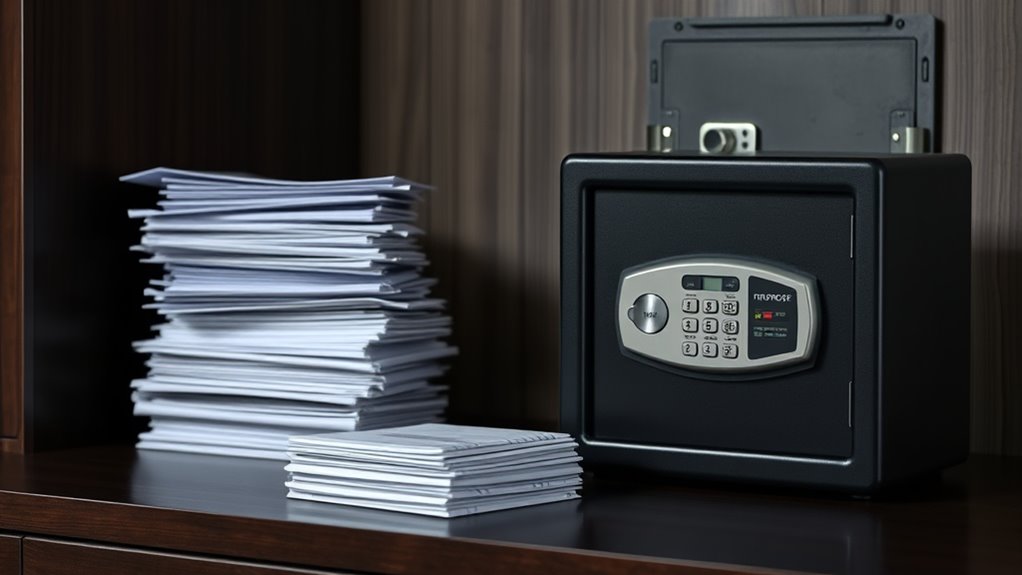
However, digital backups shouldn’t be your only safeguard. Physical documents demand protection too. You might consider renting a safe deposit box at your bank, which offers a high level of security and protection from natural disasters or theft. Safe deposit boxes are designed specifically for storing valuables and important papers, and they typically provide a more secure environment than a home safe. When you place your documents in a safe deposit, you minimize the risk of accidental damage, loss, or unauthorized access. It’s a reliable way to preserve originals that you rarely need to access but want to keep protected. Be sure to keep an inventory of what you store there, so you know exactly what’s inside and can easily retrieve what you need when necessary. Additionally, proper storage methods can extend the lifespan of your physical documents and prevent deterioration over time.
Combining digital backups with a safe deposit is a smart, comprehensive approach. Digitize your critical documents, store the electronic copies securely, and keep the originals in a safe deposit box. This layered method maximizes protection, giving you peace of mind. Remember, always keep your digital backups encrypted, and update them regularly to include new documents or changes. For your safety deposit, make sure only trusted individuals know the location and access procedures. Regularly review and update your storage plan to adapt to any life changes or new documents that need safeguarding. Ultimately, taking these steps means you’re prepared for the unexpected and protecting your most valuable information from harm or loss.
fireproof safe for important documents
As an affiliate, we earn on qualifying purchases.
As an affiliate, we earn on qualifying purchases.
Frequently Asked Questions
How Often Should I Review My Stored Documents?
You should review your stored documents at least once a year to maintain proper document organization and guarantee everything is up-to-date. Regularly checking your storage allows you to discard outdated papers and add new important ones. Adjust your storage frequency based on life changes, like moving or major financial events. Staying proactive keeps your documents secure, organized, and easily accessible when needed, preventing clutter and potential loss.
Are Digital Backups More Secure Than Physical Copies?
Digital backups can be more secure than physical copies if you use strong encryption methods and digital security measures. They protect your documents from physical damage, theft, or loss. However, you must regularly update your security protocols, like using complex passwords and enabling two-factor authentication. Physical copies, while tangible, are vulnerable to theft, fire, or water damage. Balancing both methods, with proper digital security, offers the best protection for your important documents.
What Is the Best Fireproof Safe for Important Documents?
You should choose a fireproof safe made from high-quality fireproof materials, ensuring it can withstand high temperatures. Consider the safe size that fits your documents comfortably without being too bulky. Look for safes with a UL fire rating, which guarantees protection for a specific period. This way, your important documents stay protected from fire damage, and you can store multiple items securely in an appropriately sized safe.
How Can I Prevent Identity Theft From Stored Documents?
Think of your documents as treasure chests—you want to keep them secure from pirates. Use digital encryption to guard sensitive info and shredding techniques to destroy unneeded papers, preventing thieves from finding clues. Regularly update passwords and monitor your accounts to detect suspicious activity. By combining these strategies, you create a fortress around your identity, making it nearly impossible for theft to penetrate your defenses.
Should I Store Documents in a Bank Safety Deposit Box?
Yes, storing documents in a bank safety deposit box is a smart choice for security. It helps you protect essential papers from theft, damage, or loss. To stay organized, digitize important files and keep backups in secure digital storage. This way, you can quickly access your documents when needed, while the physical copies stay safely stored away. Combining digital storage with a safety deposit box ensures your documents are both secure and well-organized.
Conclusion
By carefully tucking your important documents into a cozy, hidden nook, you create a sturdy sanctuary that keeps your memories safe from harm. Think of it as planting a secret garden where your precious papers bloom quietly, protected from the storms of life. When you choose a secure spot, you’re gently anchoring your peace of mind, knowing that no matter what comes, your treasures remain safe and sound, just waiting for you to find them again.
Halloween Picks
halloween
As an affiliate, we earn on qualifying purchases.